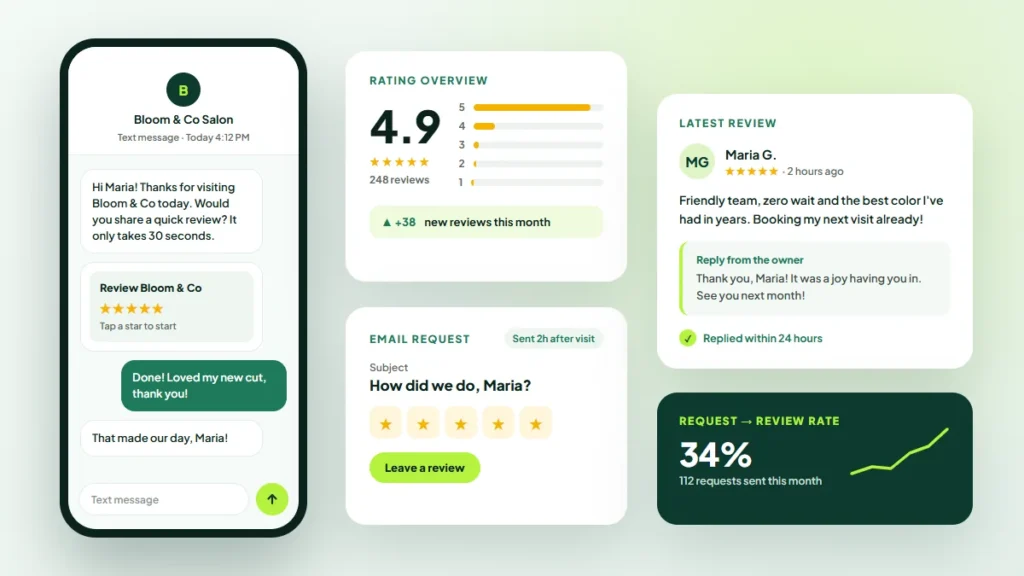
Reviews are often the first thing a potential customer reads about your business. They help people choose between similar options, and they can influence how prominently you appear in local search.
The challenge is that happy customers rarely leave reviews on their own. This guide from Twastia.io explains how to get more Google reviews in a steady, genuine way that stays within Google’s rules.
Why Google Reviews Matter
Reviews do two jobs at once. They give potential customers social proof, and they signal that your business is active and trusted.
Google’s own local ranking guidance lists prominence as a key factor and notes that review count and ratings play a part. Recent reviews also matter to customers, because fresh feedback suggests a business that is reliable today.
Step 1: Make Leaving a Review Easy
The fewer steps involved, the more likely people are to follow through. Start by getting your direct review link.
- Open your Google Business Profile while signed in.
- Find the option to ask for reviews and copy the link or QR code.
- Save it somewhere your whole team can reach it.
Google’s help article with tips to get more reviews shows where to find the link and how to share it.
Step 2: Ask at the Right Moment
Timing makes a big difference. The best time to ask is right after the customer has experienced the value of your work.
- When a project is finished and the customer is happy with the result.
- Right after a customer thanks you or compliments your team.
- When a product has arrived and had time to be used.
- At the end of a successful appointment or consultation.
Step 3: Use More Than One Channel
Different customers respond to different prompts. Combine a few simple methods.
In Person
A friendly, personal request at the end of a job is often the most effective. Follow it up with the link so the customer does not have to search for you.
Email and Text Messages
Send a short, polite message with your direct link. Thank them for their business and make clear that honest feedback is welcome.
Printed Materials
Add a QR code to receipts, invoices, packaging or a small card at your counter. It turns a passing thought into a review in seconds.
Your Website
Add a review link to your thank-you pages and email signature. These low-effort reminders keep working in the background.
Step 4: Stay Within Google’s Rules
Shortcuts can do more harm than good. Google’s policy on prohibited and restricted content bans fake engagement and incentivized reviews.
- Do not offer discounts, gifts or payments in exchange for reviews.
- Do not write reviews yourself or ask staff to review their own employer.
- Do not buy reviews or use services that promise them.
- Do not ask only the customers you expect to be happy, a practice often called review gating.
Breaking these rules can lead to removed reviews or restrictions on your profile, and it undermines the trust reviews are meant to build.
Step 5: Reply to Every Review
Replies show potential customers that you listen. Thank people for positive reviews, and mention the specific service when it feels natural.
For negative reviews, stay calm and professional. Acknowledge the experience, avoid arguing in public and offer a way to resolve it offline. A thoughtful reply can reassure future customers as much as a positive review.
Keep replies short and personal, and never share private customer details in public. If a review breaks Google’s policies, you can report it rather than arguing with the reviewer.
Step 6: Build Reviews Into Your Routine
A burst of reviews followed by months of silence is less useful than a steady flow. Make asking part of your normal process.
- Add the review request to your job completion checklist.
- Assign one person to monitor and reply to reviews each week.
- Share good feedback with your team so they see its value.
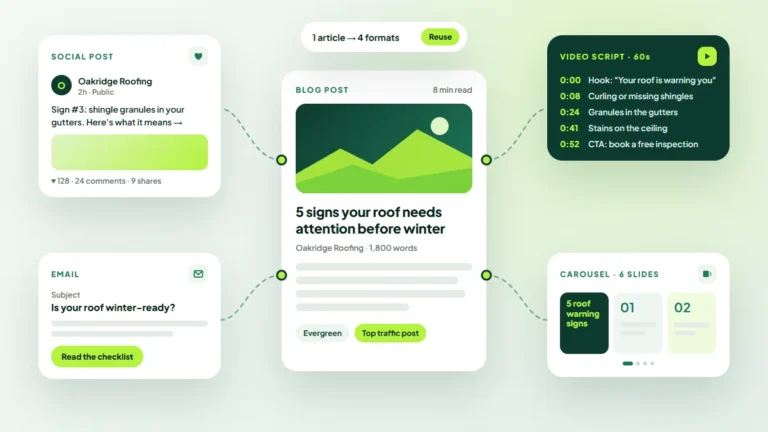
With the customer’s permission, positive feedback can also inspire social posts and case examples. Our guide on how to repurpose content across every channel has ideas for making the most of it.
Reviews are only one part of a strong local presence. Pair this routine with our step-by-step guide to optimizing your Google Business Profile so the rest of your listing is just as convincing.
Key Takeaways
- Make reviewing easy with a direct link or QR code.
- Ask at the moment customers feel the value of your work.
- Use several channels, from in-person requests to printed codes.
- Never offer incentives, write fake reviews or filter who you ask.
- Reply to every review and make asking a routine habit.
For more ways to get found locally, browse our online visibility articles.
Build a Stronger Local Reputation
Genuine reviews take time to build, but they keep working for years. If you would like help with your listing, reviews and local search, explore the local SEO and online visibility services from Twastia.io.
Curious how your reviews compare with nearby competitors? Request a free growth audit, and Twastia.io will review your profile and suggest practical ways to earn more genuine feedback.